
Grain Inventory by Bin: How Many Bushels Are Uncommitted?
The elevator asks how much corn you have left. The person at the bins says 8,400 bushels. The person with the contracts says 6,400. Both can be right: some of the corn in the bin already belongs on a delivery schedule.
For a first check, take physical bushels on hand minus bushels committed but not yet delivered. Compare the same crop, on the same quantity basis, and include only commitments assigned to that stock. The answer is a planning balance, not a certified quantity or a recommendation to sell. Here's how to keep it straight on a board, in a spreadsheet, or in the farm office.


Keep two balances that answer different questions
The bin record answers “Where is the grain?” Start with a dated opening balance. Add incoming loads, subtract outgoing loads and document corrections under the actual bin name. North Bin and Shop Bin need separate rows even if both hold corn.
The delivery record answers “What do we still owe?” Keep the buyer, crop, delivery window, contracted bushels and bushels already credited together. Signing a contract changes what is promised; it doesn't move corn. Moving a truckload changes physical stock; it doesn't tell you which contract the elevator credited. Use the buyer's statement for that.
A worked example: one 850-bushel load
Suppose North Bin starts Monday with 8,400 bushels, including 2,000 committed for November delivery. Assume all figures use the same moisture basis, with no further deductions. These are illustrative numbers, not customer records or a current bid.
| Stage | Physical stock | Still owed | Uncommitted |
|---|---|---|---|
| Before loading | 8,400 bu | 2,000 bu | 6,400 bu |
| After delivery and credit of 850 bu | 7,550 bu | 1,150 bu | 6,400 bu |
The last column hasn't moved. That's the useful check: the truck hauled corn that was already spoken for. If your sheet now shows 5,550 bushels free, look for a physical withdrawal entered without its corresponding delivery credit. If the truckload hasn't been credited yet, mark the ticket pending rather than guessing.
Leave a ticket trail the next shift can follow
Try this one-line handoff on paper or in a shared sheet: Date | bin | crop | quantity in or out | ticket | delivery reference | status.
Filled in, that might read: Nov 12 · North Bin · corn · 850 bu out · ticket 417 · November elevator contract · credited. One person posts the movement; the driver keeps or sends the ticket. If a later settlement replaces a preliminary quantity, correct that movement and retain the original ticket. Don't enter a second truckload.
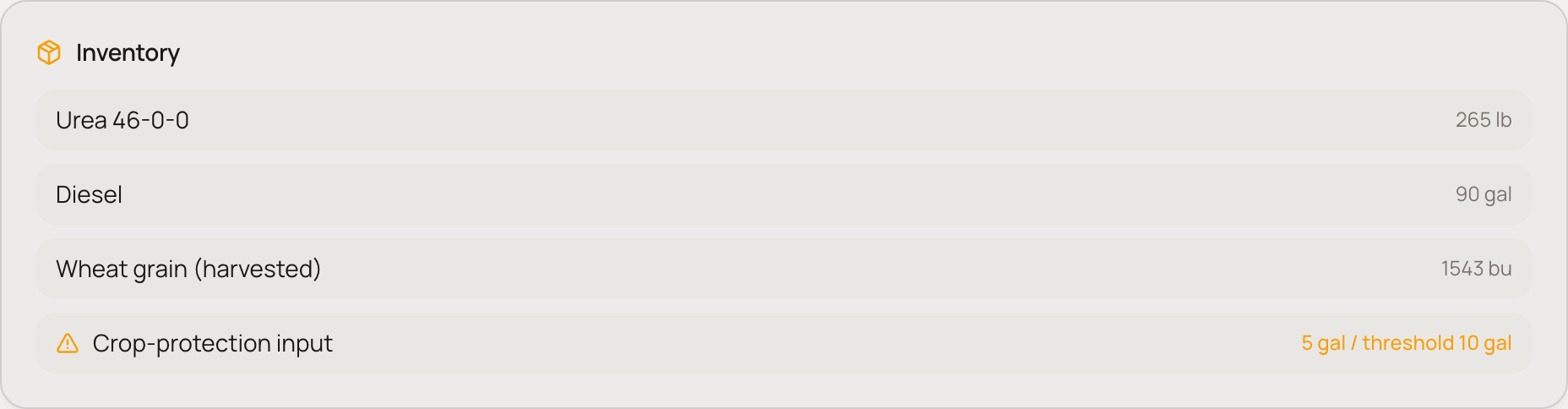
In CropBuddy inventory and storage, keep the physical stock under a recognizable item and location. Keep contracts and buyer statements separately. CropBuddy doesn't automatically read scale tickets, match sales contracts, or move stock when a price changes.
Check the price separately from the quantity
Use the free Grain Market Tracker to check a delayed futures benchmark. Ask your elevator for its cash bid, delivery period, futures month and deductions. The benchmark isn't an offer for grain in your bin. Iowa State Extension explains corn and soybean basis, the difference between local cash and the relevant futures price.
A different price tomorrow doesn't change today's 7,550 bushels on hand or the 1,150 still owed. Date the price note separately from the physical inventory record.
Grain inventory questions
Can I use the bin's rated capacity as my opening balance? No. A 10,000-bushel bin isn't proof that it contains 10,000 bushels. The grain bin capacity calculator can help estimate volume from dimensions; label estimates separately from confirmed tickets. Don't enter a bin to gather measurements for this worksheet.
What if I move corn between my own bins? Record one transfer reference with equal quantities out and in on the same basis. The individual bin balances change; the farm total and the delivery commitment don't.
What if the balance goes negative? Check for a duplicate load, a missing receipt, a wrong bin, wet versus adjusted bushels, or a ticket assigned to another contract. Leave an unresolved difference visible. An unexplained adjustment can hide the very truckload you're trying to find.
To use the same approach for fuel or seed, see the farm inventory guide. To try it on one real item, start a farm workspace.
Ready to Try CropBuddy?
Start with one field and one useful job. Free during public beta; no payment card required. Or explore the demo farm first.
Try it with one field